
Integration of Currency Convert with BigQuery
Connect Currency Convert to Google BigQuery in WitCloud and store daily exchange rates for the currency pairs you choose.
Updated
Introduction
This module saves daily currency exchange rates in Google Cloud BigQuery. The rates come from the National Bank of Poland (NBP). You choose the currency pairs, and WitCloud stores the rate of each pair for every day, so you can convert revenue and costs into one currency in your analyses.
Configuration guide
Follow the steps below to set up Currency Convert. Once the setup is complete, the exchange rates will be transferred to your BigQuery project. This integration needs no authorization.
Module setup
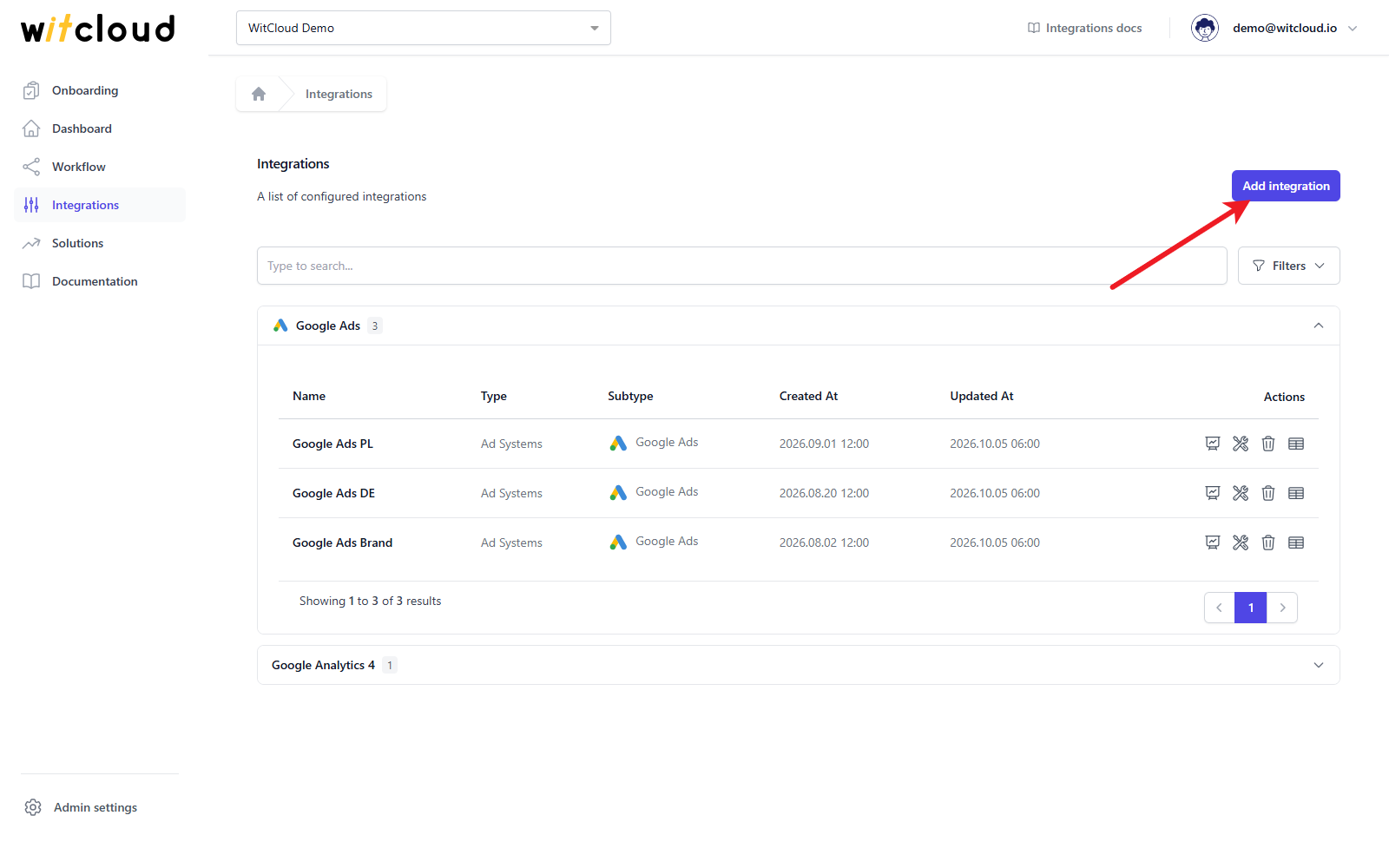
Go to Integrations in the menu and click Add integration.
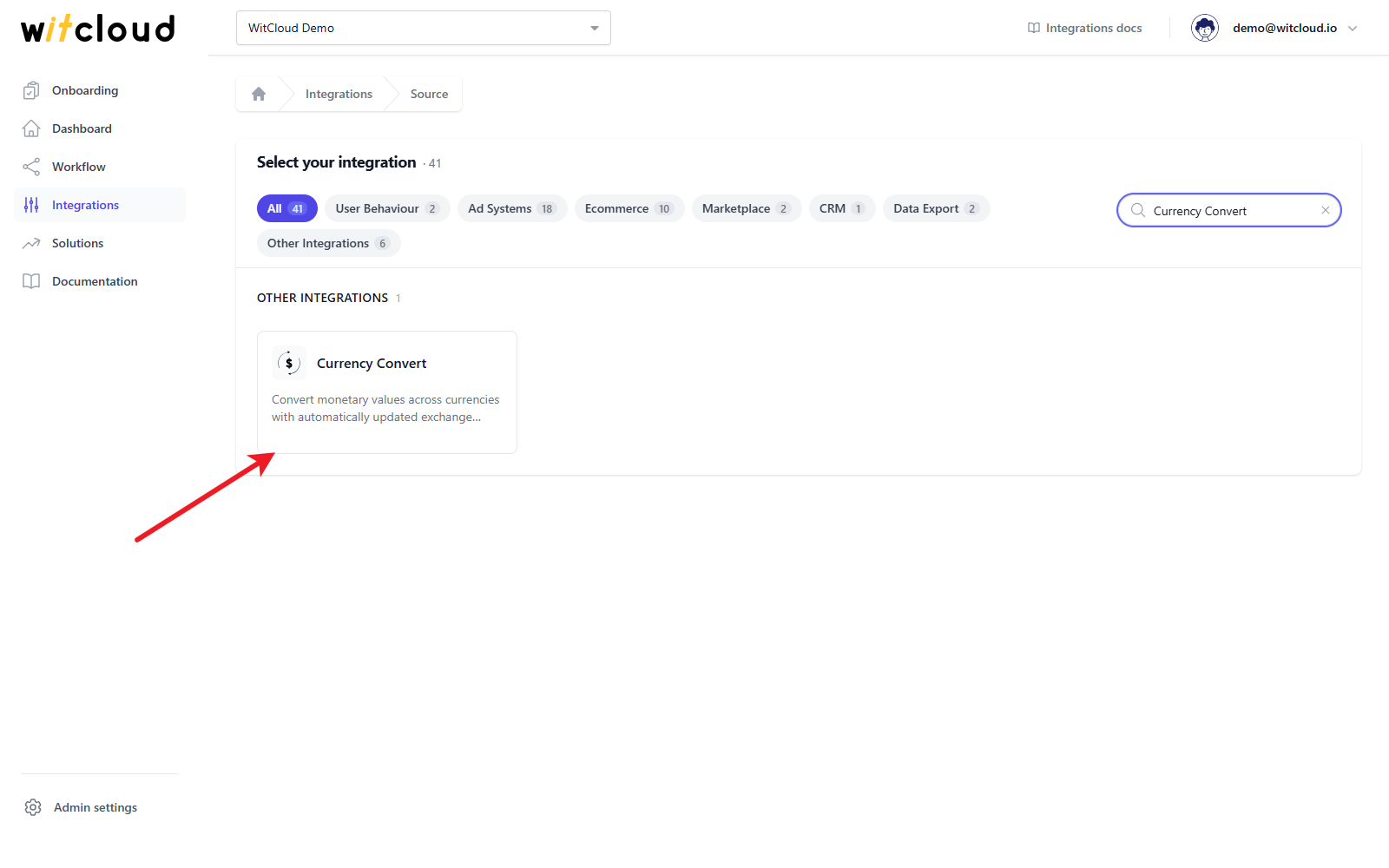
Select Currency Convert from the list of available integrations.
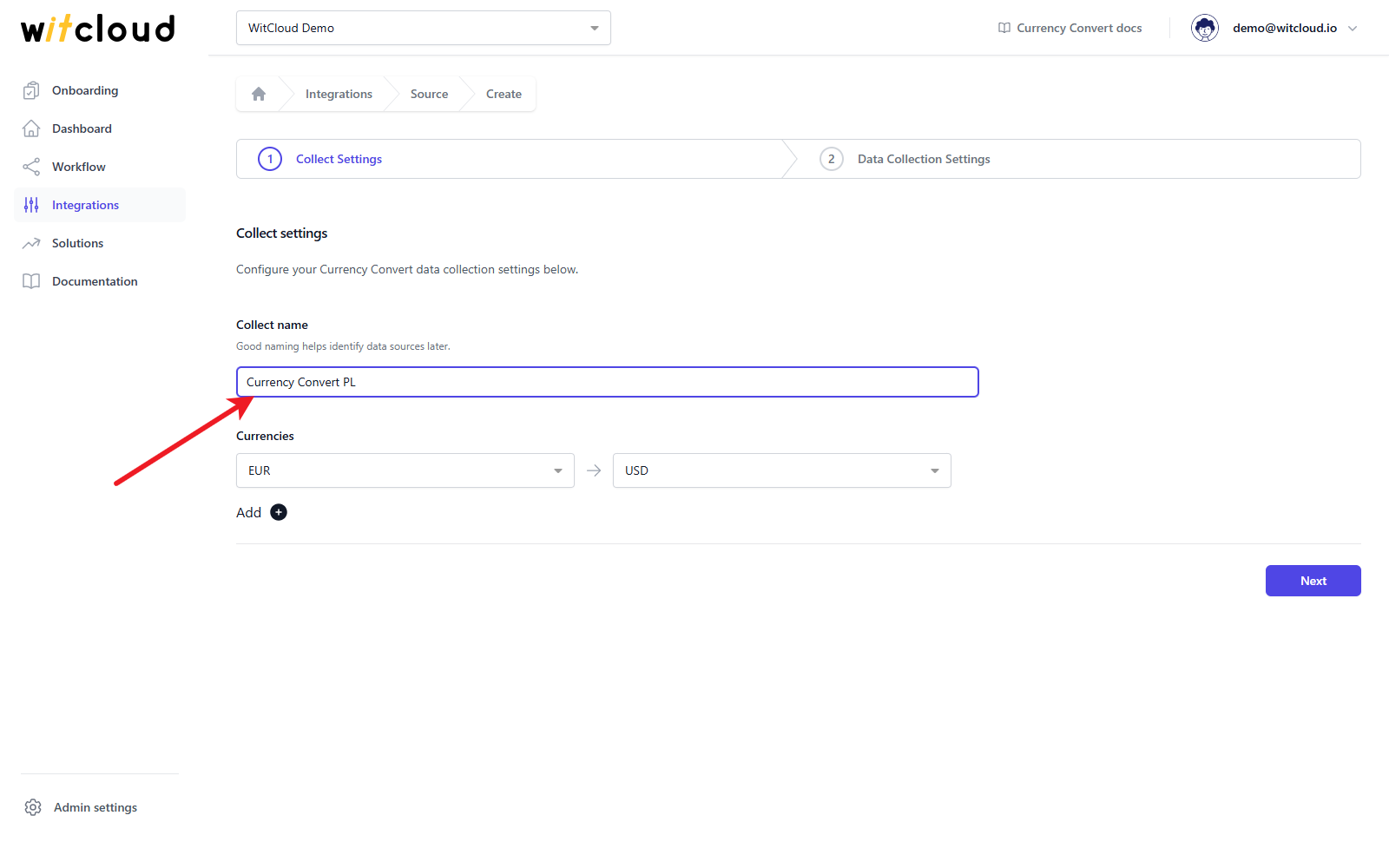
Enter the Collect name, e.g., "Currency Convert PL".
In the Currencies field, choose the currency you convert from and the currency you convert to. Click Add to add another pair. Every pair becomes one column in the table.
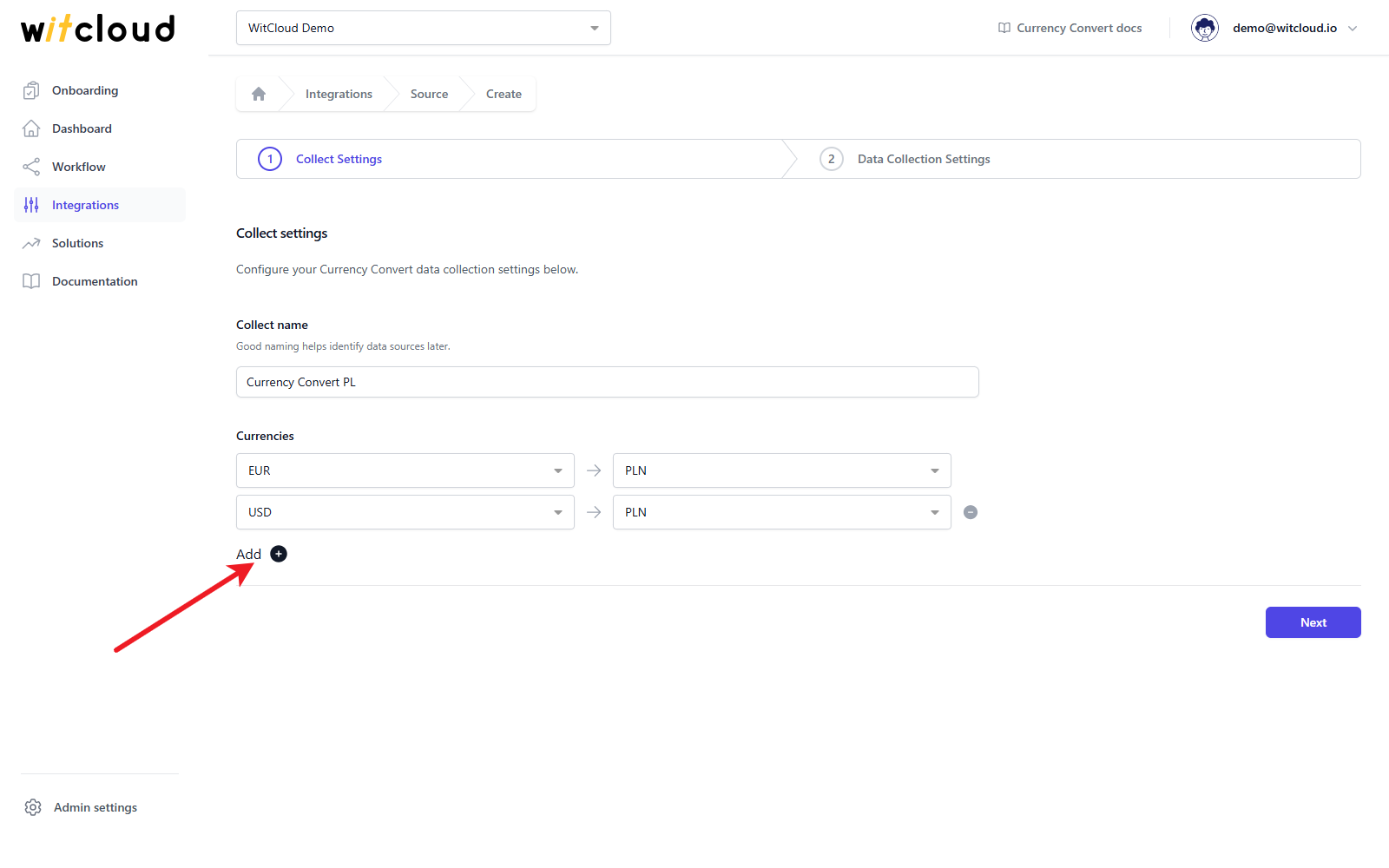
Click Next.
Historical data and scheduling
In the Historical Data field, enter the number of days for which you want to fetch historical rates. You can enter up to 365 days.
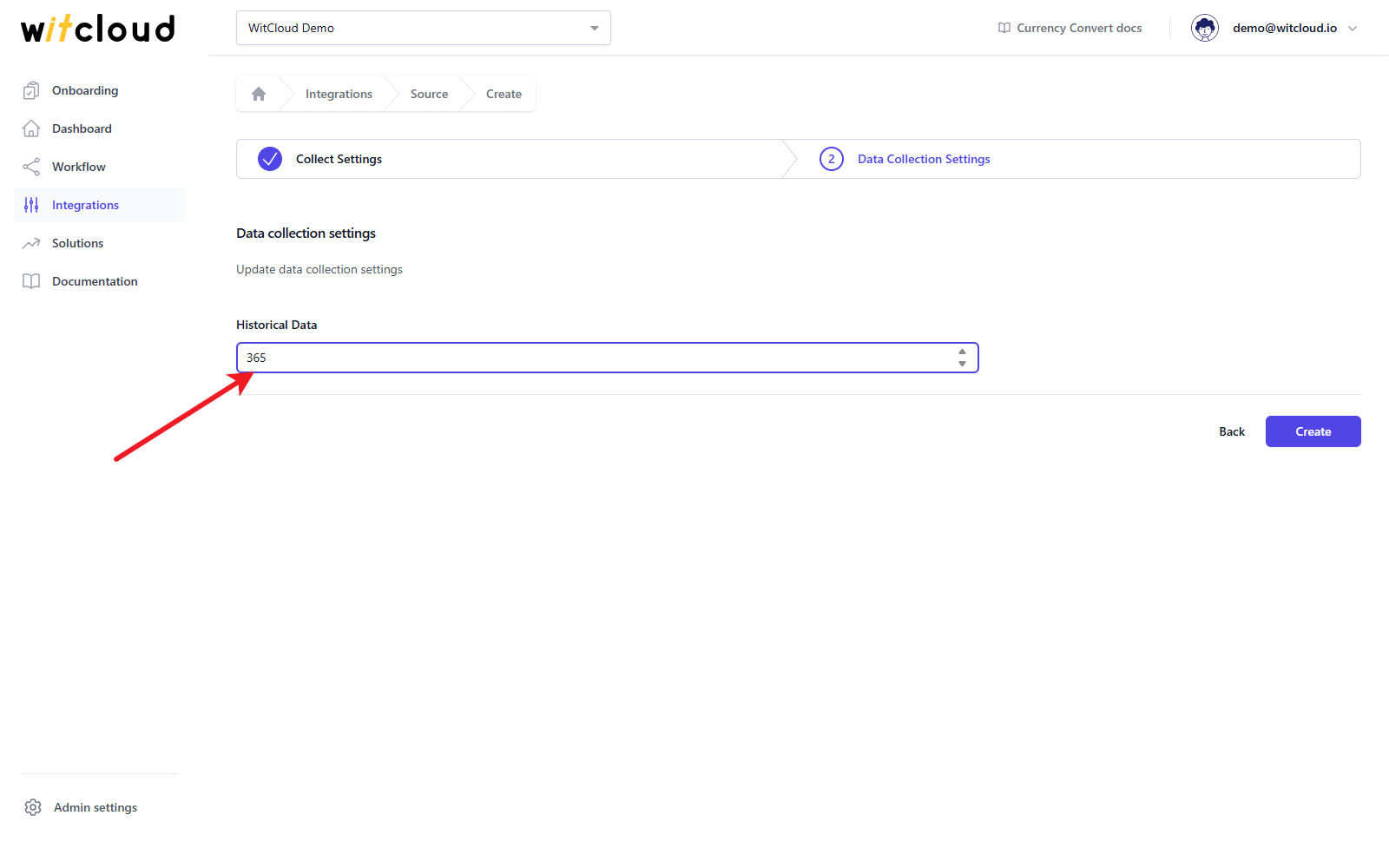
A data synchronization schedule will be created automatically. More information on this topic can be found here.
Click Create to complete the configuration.
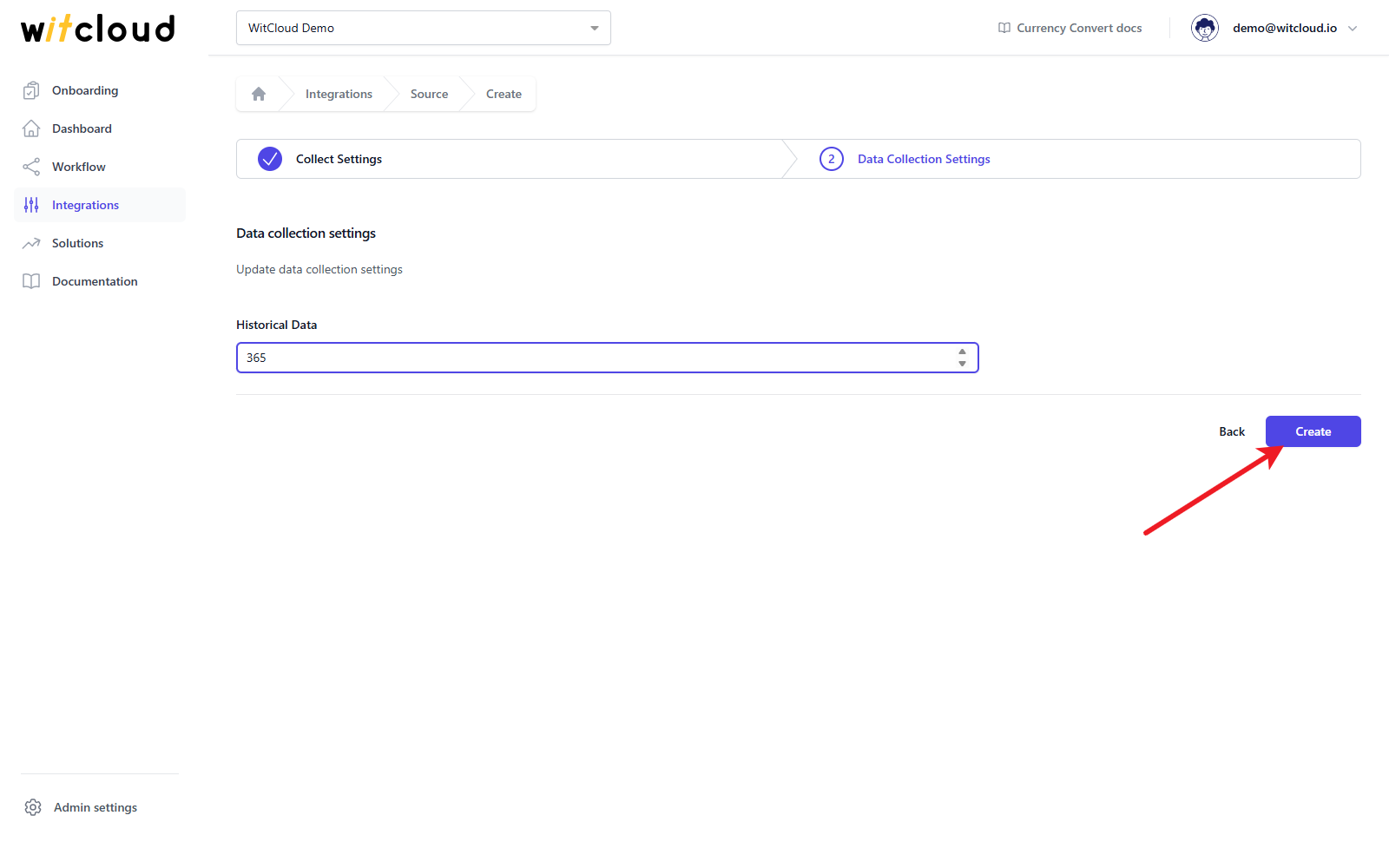
Done! The exchange rates for your currency pairs will now be synchronized with BigQuery.
Data schema
Besides the columns below, the table has one column for every currency pair you chose. It is named after the pair in lowercase, e.g. eur_to_pln, and holds the value of one unit of the first currency in the second one. For days without an NBP publication, the last known rate is used.
Data schema for currency_converters
| Field Name | Mode | Type |
|---|---|---|
| date | NULLABLE | STRING |
| date_YYYYMMDD | NULLABLE | STRING |
| amount | NULLABLE | INTEGER |
| eur_to_pln | NULLABLE | FLOAT |