
WitCloud MCP
Connect Claude, ChatGPT or Gemini to your WitCloud project and ask about your data in plain language - answers built on your All in One tables, your documentation and your business context.
Updated
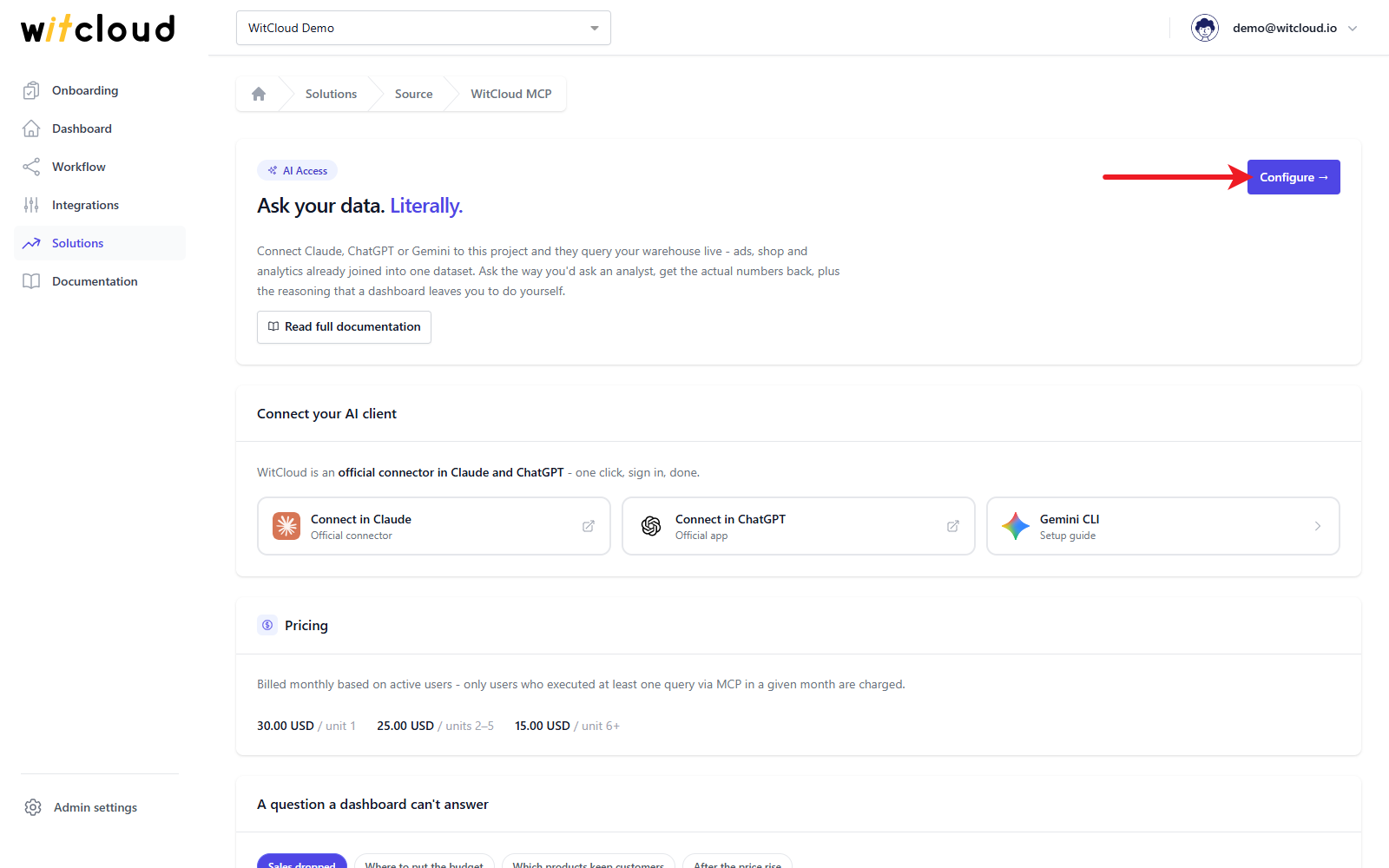
WitCloud MCP connects the AI assistant your team already uses - Claude, ChatGPT or Gemini - to your WitCloud project. You ask about your data the way you would ask a colleague - "why did sales drop last week?", "which channel brings customers who come back?" - and get an answer with real numbers from your own data, in the middle of the conversation.
Why it matters
Connecting an AI model to data is easy. Getting it to understand the data is not. The usual ways fall short in different places:
- A screenshot or an export pasted into the chat. The model works on that one slice. Every follow-up question - "now split it by market" - means another export.
- AI connected straight to GA4, Meta and the shop. The data there is raw and scattered. The model queries six sources, pulls thousands of rows into its context, mixes up spend and cost - and on real volumes answers slowly, expensively and inconsistently.
- AI on your own warehouse, without documentation. The tables are in one place, but nobody told the model what they mean - for example which order statuses are returns. It fills the gaps with its best guess, and a guess sounds exactly as confident as a fact.
WitCloud MCP is the layer between the model and your data that closes those gaps:
- It works only on prepared tables - All in One, the solutions you run and the data sources you add - never on raw data.
- Documentation first, query second. Every project carries documentation: what each table holds, what each column means, how an analysis is calculated. The assistant reads it before it queries anything.
- It knows your business. Your business context, your log of business events and your channel and market grouping are read with every analysis, so "+40% traffic" gets its real cause - the campaign that started on the 12th - instead of "seasonality".
- You decide who sees what. Each person's assistant gets only the data you give that person, within a data limit you set.
More with WitCloud
Discover the next steps
Create a WitCloud account to read the full guide, including setup instructions, examples and practical tips.
Create an accountAlready have an account? Sign in