
KPI Tree
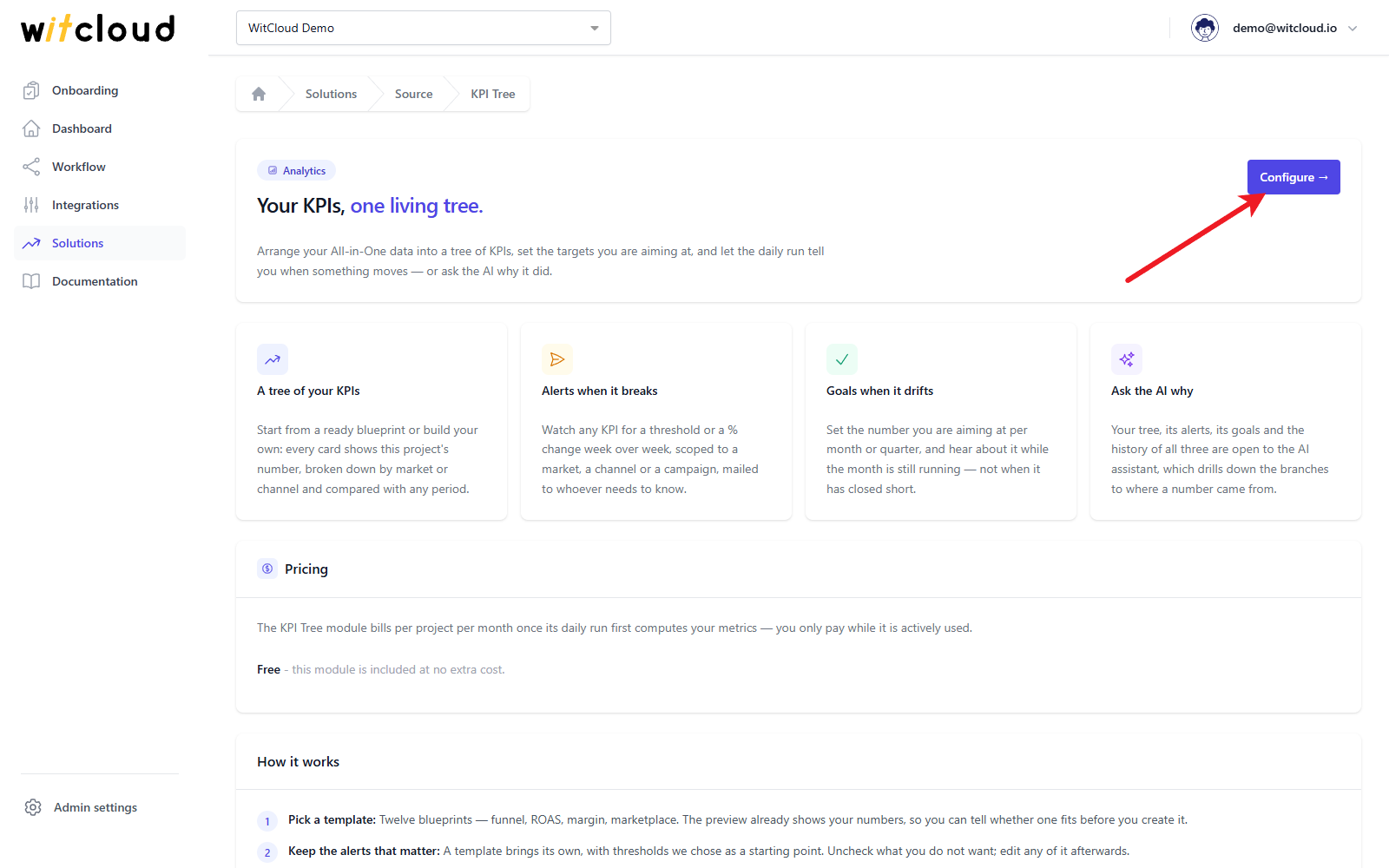
Arrange your All in One data into a tree of KPIs, watch them with alerts, set goals per period and let the daily run mail you - and the AI assistant read - when something moves.
Updated
A KPI tree shows what a number is made of. Revenue is sessions × conversion rate × average order value; the conversion rate is the steps of your shopping funnel. When revenue drops, the tree shows which branch moved - so a drop has an address instead of a guess.
KPI Tree builds these trees on your All in One data, compares every KPI with an earlier period, and adds two kinds of watch on top: alerts that mail you when a KPI breaks a threshold, and goals that tell you while the month is still running that you are behind. The daily run also opens the trees, alerts and goals to the WitCloud MCP assistant, which can drill down a branch to explain a movement.
Why a tree, not a dashboard
Most teams have plenty of metrics - revenue, ROAS, sessions, ad cost and conversion rate side by side on a dashboard. That is a list, not a structure. When revenue drops, a list shows twenty numbers at once and leaves you guessing why.
A tree turns this around. At the top sits one goal; below it, the KPIs it is made of - down to the levers you can actually pull:
- Revenue from your site is sessions × conversion rate × average order value. If revenue fell, one of these three fell - and you know where to look next.
- Conversion rate is not a constant but the result of the funnel: view → cart → checkout → purchase. A drop at the cart step (price, delivery cost) is a different problem from a drop at payment.
- ROAS is revenue against cost. If cost went up, either the price per click or per thousand impressions rose, or you simply bought more traffic - each a different branch and a different action.
The same tree then serves three things: the alerts that watch it, the comparisons it shows, and the AI assistant that reads it. You define it once.
A KPI tree is not a nicer dashboard. It is a map that tells you in advance which way to go down when something breaks.
More with WitCloud
Discover the next steps
Create a WitCloud account to read the full guide, including setup instructions, examples and practical tips.
Create an accountAlready have an account? Sign in